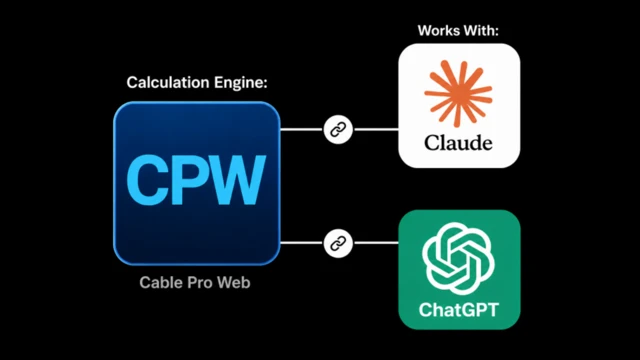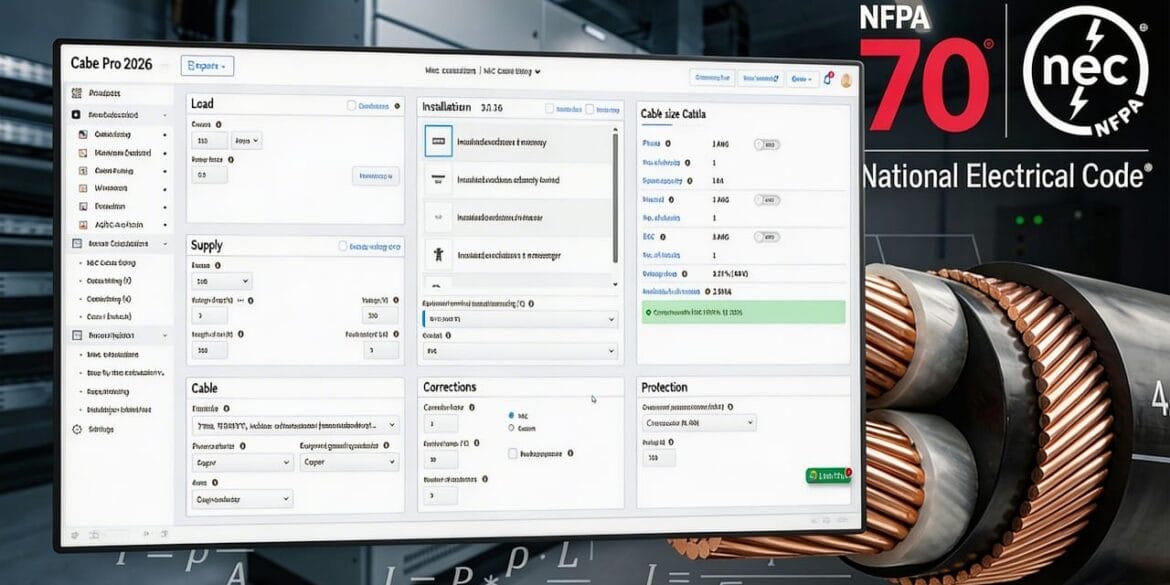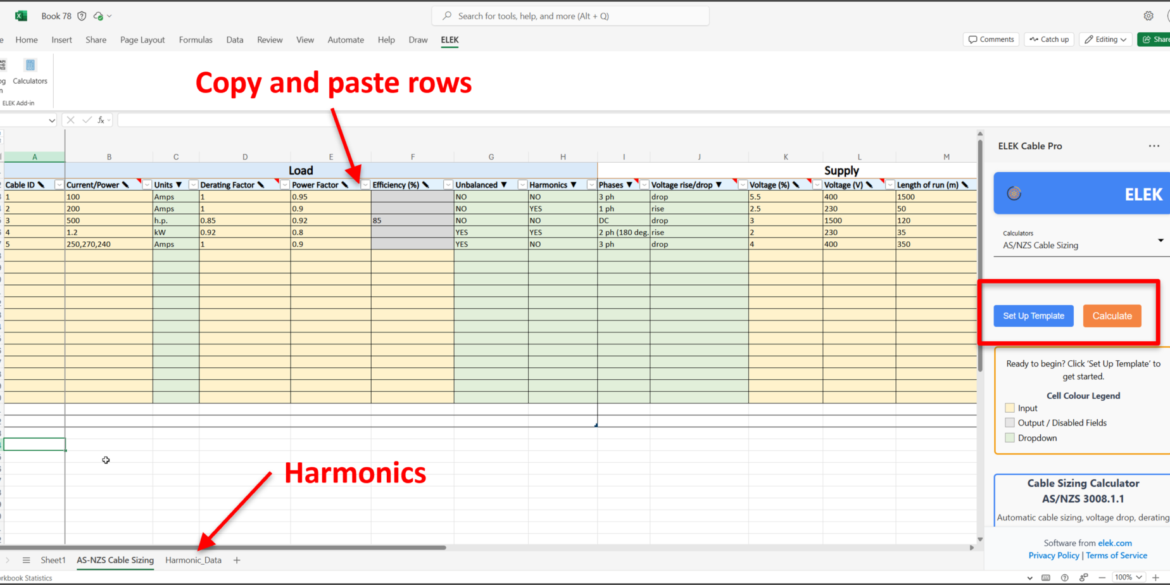
Designing compliant low-voltage electrical networks needs the right tools. Cable Pro Web is ELEK’s cloud-based electrical design software for modelling, calculating, and validating compliant LV power systems with real-time analysis and interactive workflows.
Cable Pro Web already handles the heavy lifting; transformers, generators, switchboards, automatic cable sizing, voltage drop, short-circuit calculations, protection coordination and discrimination, arc flash analysis, and full compliance reports.
Today, we’re adding a new feature that changes how you interact with all of it.
Introducing Interactive Single-Line Diagram
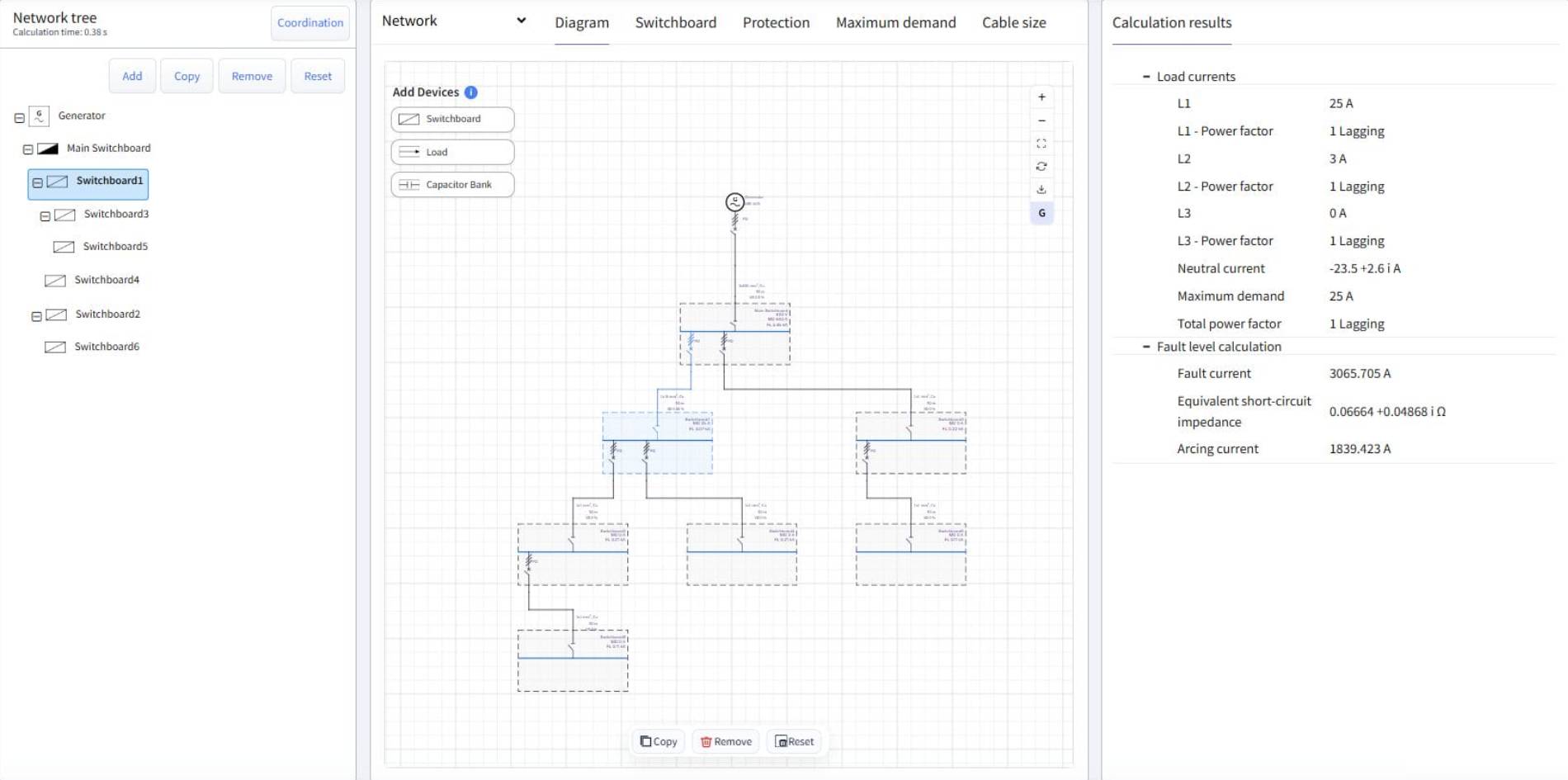
We’re excited to announce that Cable Pro Web now includes the Interactive Single-Line Diagram a live workspace where drawing your network and running calculations happen at the same time, in the same window.
Drag in a load, change its current from 200 A to 300 A, swap the cable to 150 mm², the diagram updates immediately. Every parameter change, every new connection, every object you place is reflected in both the visual layout and the calculation results simultaneously.
Key Capabilities
- Visual network construction. Place switchboards, loads, and capacitor banks directly on the canvas. Valid connection points highlight automatically; invalid connections are blocked. Key parameters display on the canvas itself, not just in a side panel.
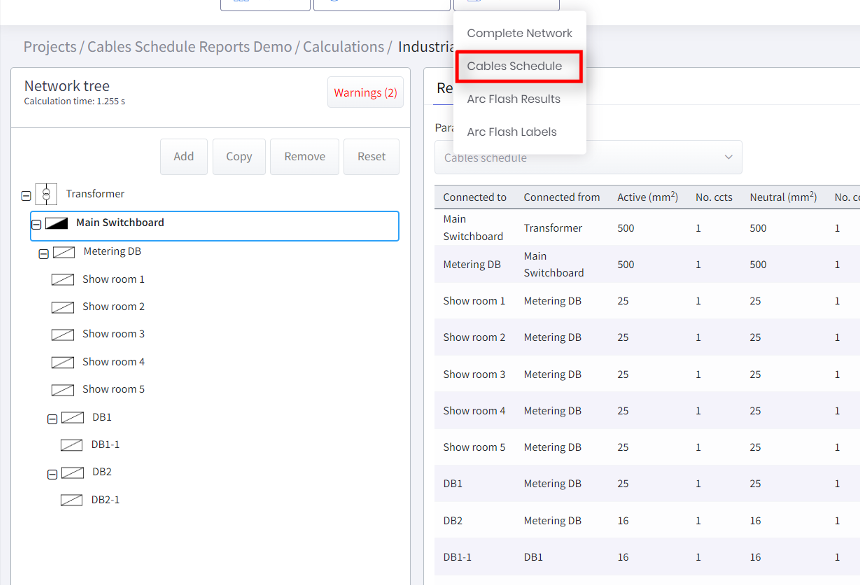
- Live calculation results. Click any object and the Results panel instantly shows its load currents, power factors, neutral current, maximum demand, and fault levels. No re-running, no navigating away.
- Synchronised tree and diagram. The Network Tree and canvas stay in lockstep. Select, copy, or edit an object in either view and both update simultaneously.
- Object duplication and editing. Copy any object, including all downstream children and properties, in one action. Remove an entire branch with one click. Reset the diagram with a confirmation prompt so nothing is lost accidentally.
- Free-form layout with auto-layout. Arrange objects freely, or hit Auto-layout to instantly clean up the entire diagram. Zoom, pan, and toggle the grid as needed.
- Export for reporting and handover. Download a high-quality PNG for documentation, or export in CAD format for technical handover.
Who Benefits
- Consulting engineers on commercial or industrial projects can design and verify an entire LV switchboard hierarchy in one workspace, checking fault levels at each board as they go, then exporting the single-line diagram straight into the documentation package.
- Electrical contractors preparing handover documentation will find the PNG export particularly practical: a clean, professional single-line diagram produced from the live model, without any reformatting.
- Utility engineers managing complex LV networks can click through any node in the canvas and immediately see fault levels and demand figures, using the live results panel as a real-time verification checklist.
Available Now on the Professional Plan
The Interactive Single-Line Diagram is live today for Cable Pro Web users on the Professional plan.
Not on Professional yet? Start a free 14-day trial to access the full feature set, including the ISLD, at no cost.